PDF reader for tabletop RPGs

TomeKeeper

A PDF reader built for tabletop roleplaying games. Bring your rulebooks, adventures and supplements into one library, mark what matters, and find it again fast in the middle of a session.

  • iPhone
  • iPad
  • Mac
  • Android
Coming soon

TomeKeeper is coming soon. Store links will appear here when it launches.
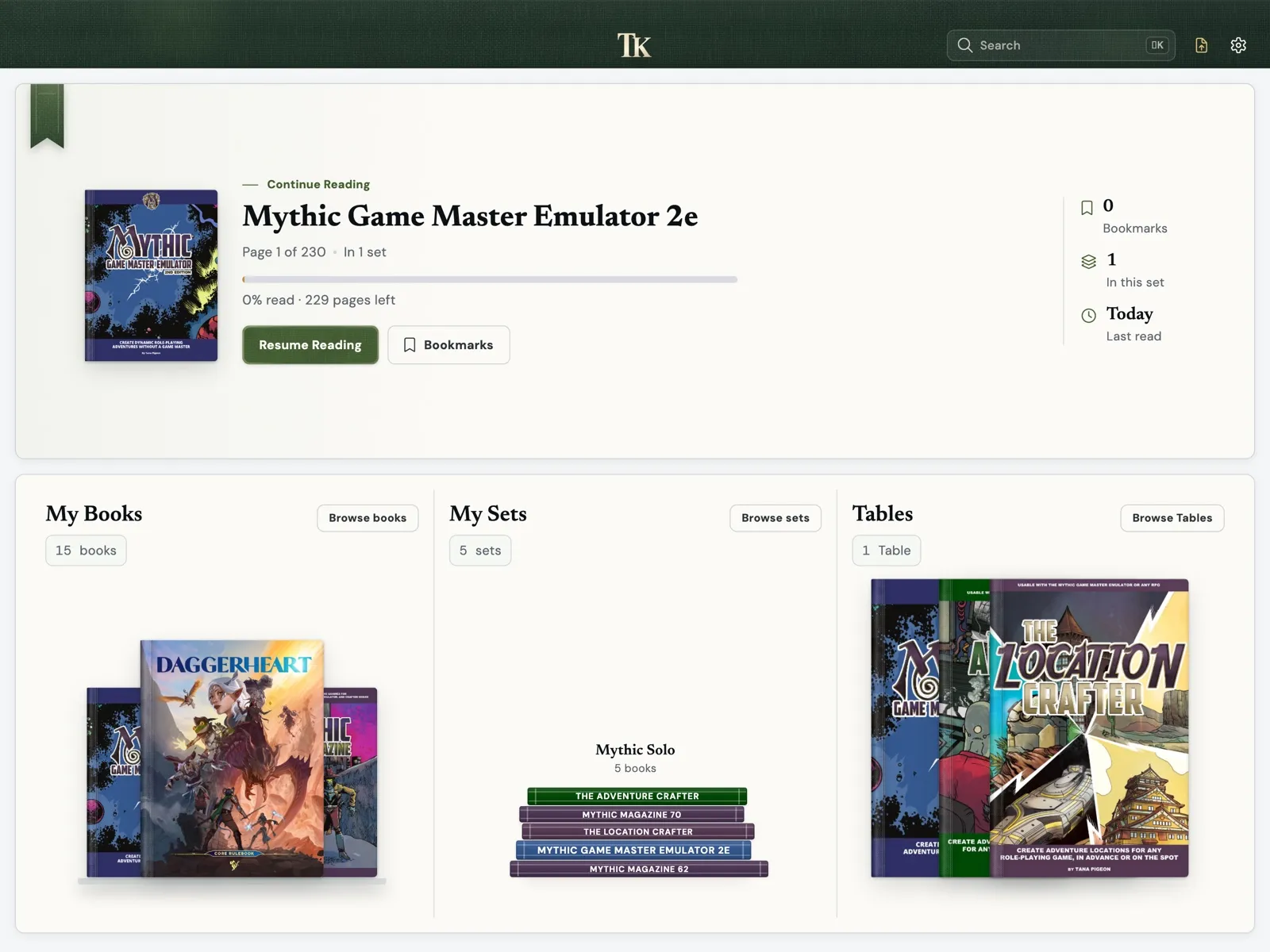
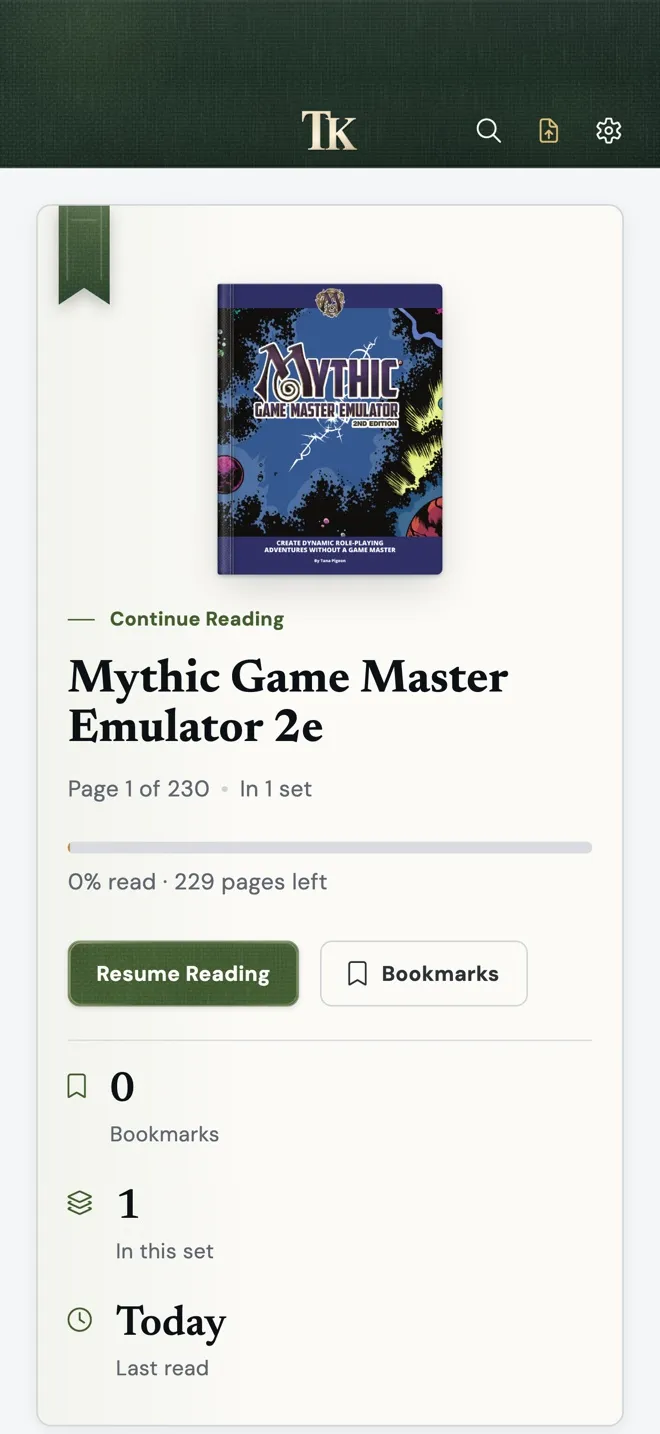
TomeKeeper's home screen on iPad: Mythic Game Master Emulator 2e under Continue Reading, with My Books, My Sets and Tables below. TomeKeeper's home screen on iPhone.
PDFs sold separately.

Your library

  • Import PDFs from your device. TomeKeeper keeps its own copy, so the book stays put even if you move the original.
  • Connect your DriveThruRPG account with your own API key and import the PDFs you bought.
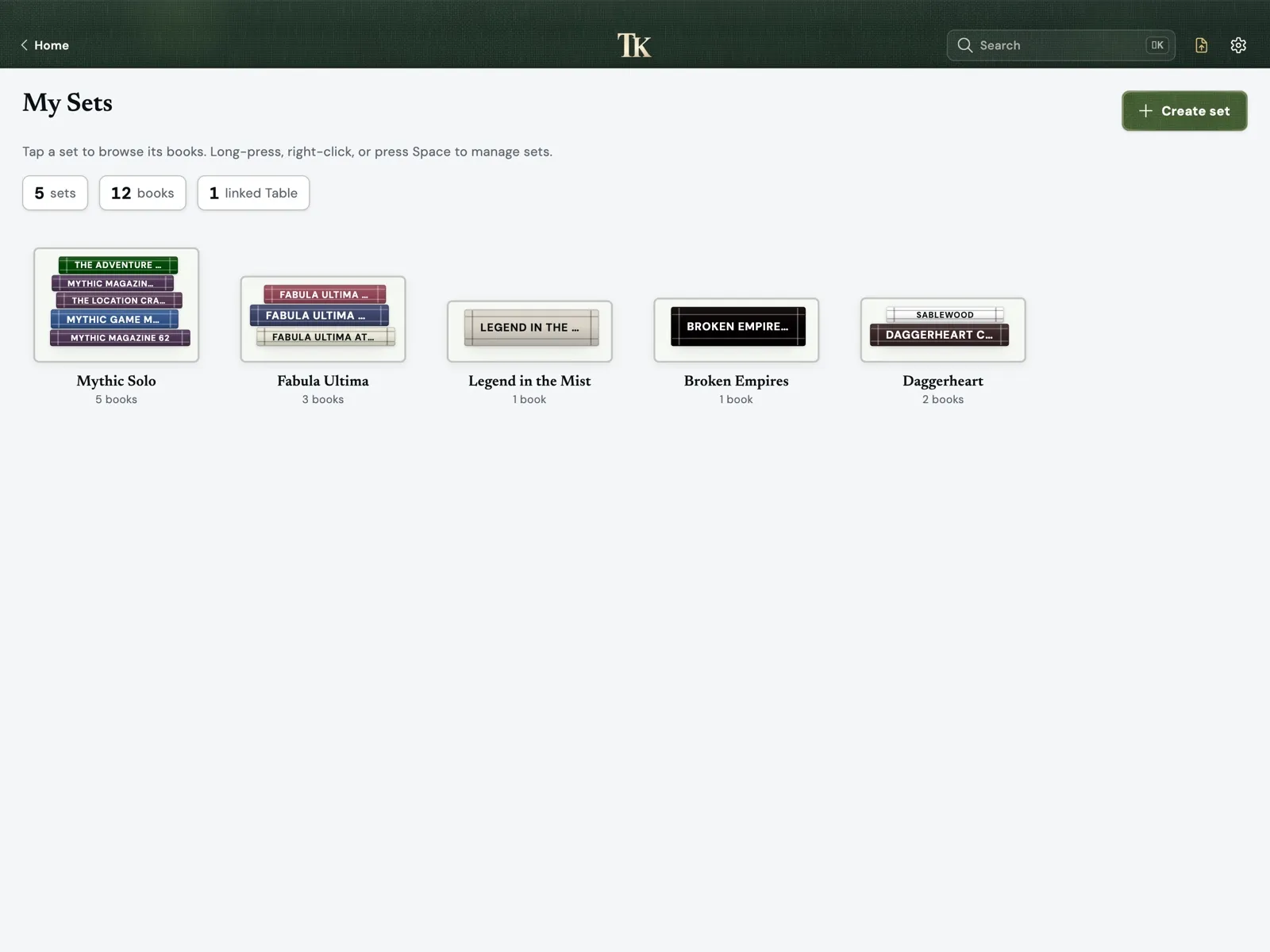
  • Organize books with library tags, and group them into sets, for example everything for one campaign.
My Sets on iPad with five sets: Mythic Solo, Fabula Ultima, Legend in the Mist, Broken Empires and Daggerheart.

Reading

  • Single page, two-page spread, or Stitch for continuous reading.
  • Jump with the page scrubber, Go to page, or the book's contents.
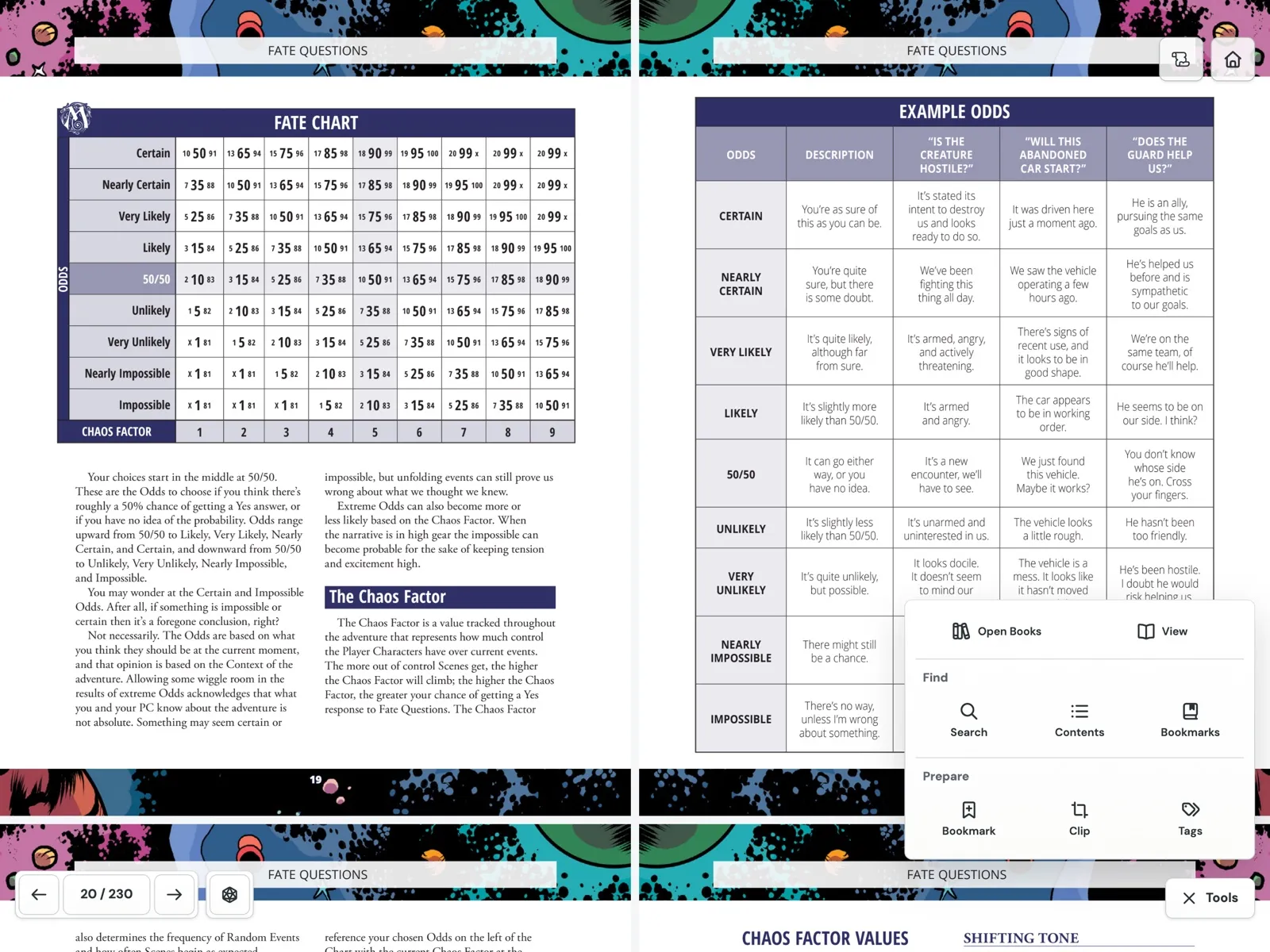
  • Every tool lives in one Tools panel, so the page stays clear.
A two-page spread of the Mythic GME 2e Fate Chart on iPad, with the Tools panel open: Open Books, View, Search, Contents, Bookmarks, Bookmark, Clip and Tags.

Find it at the table

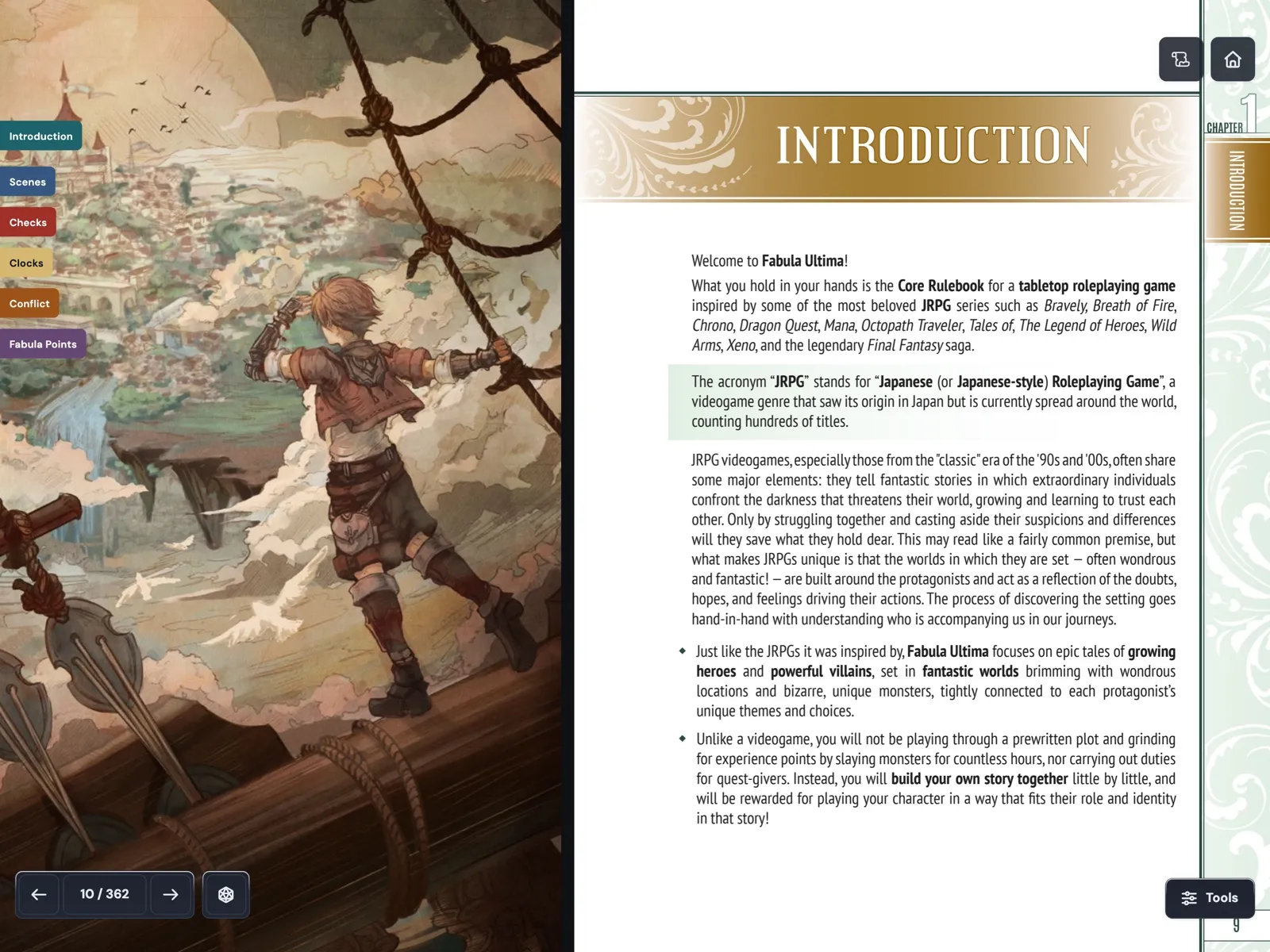
  • Bookmarks with category colors appear as tabs on the page edge. One tap takes you there.
  • Page tags pin named markers to a spot on the page, such as a monster stat block or a trap.
  • Search one book or every book in a set, across text, contents, bookmarks and page tags.
The Fabula Ultima introduction on iPad, with colored bookmark tabs on the page edge: Introduction, Scenes, Checks, Clocks, Conflict and Fabula Points.

Tables

Set up a solo player table. Put the rules you keep checking, the counters you track and the maps you play on together on one board, next to the books they came from.
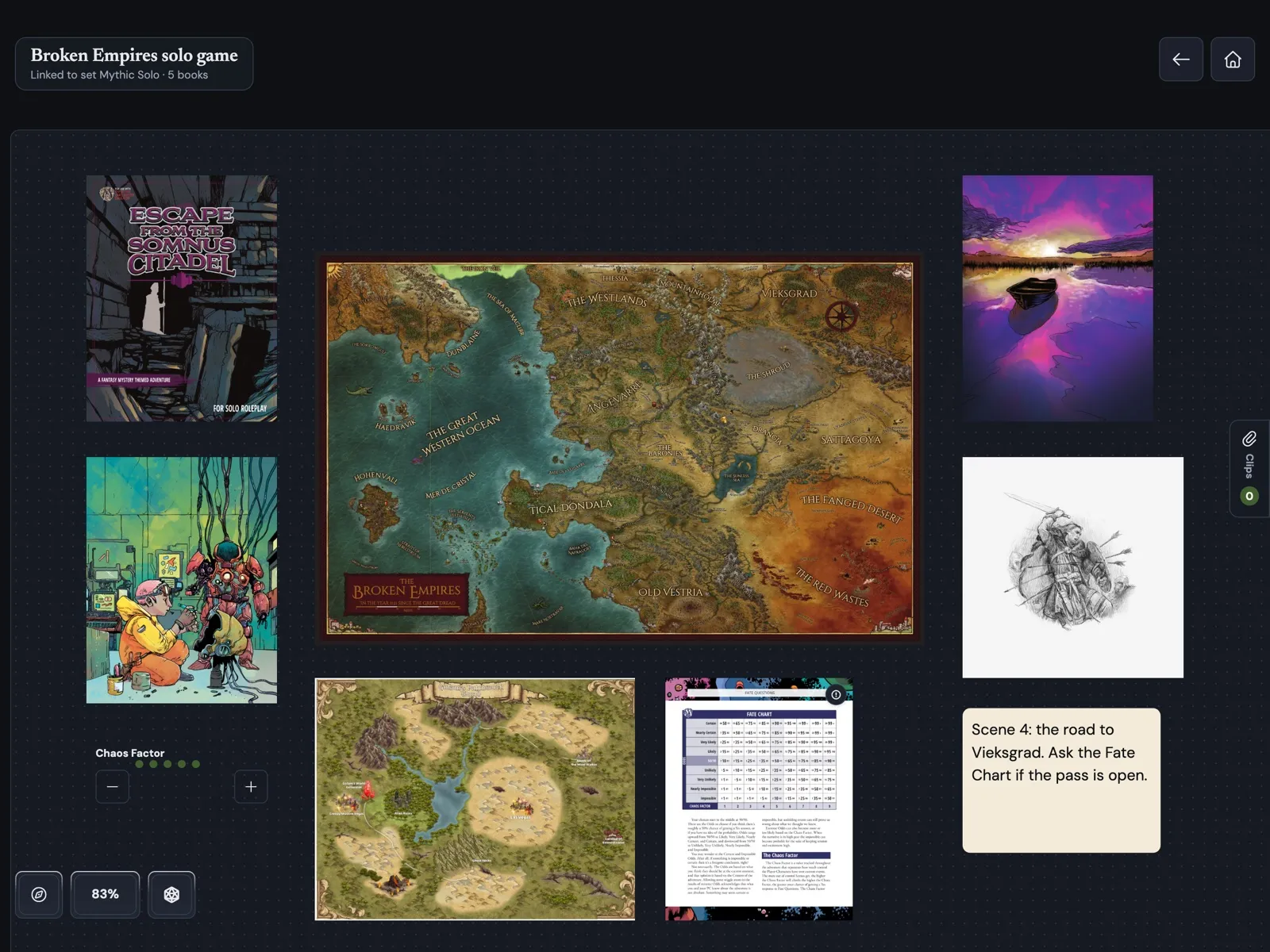
  • Clip a rules table, a stat block or a map from any page. Select a clip and tap Source to open the book at that page.
  • Track the Chaos Factor or any other meta-currency with a counter, and keep notes and checklists beside it.
  • Import any PDF onto the Table: maps, handouts, character sheets. Fill in fillable sheets and export a filled copy.
  • Link the Table to a set, then open it from whichever book you are reading.
A Table named Broken Empires solo game on iPad, with the Broken Empires map, an adventure cover, the Mythic Fate Chart, a Chaos Factor counter and a note for the next scene.

More features

Dice

Roll dice from the Viewer without leaving the page.

Make it yours

Light, dark or system theme, seven interface colors, and fourteen app icons.

Private by design

No account, no ads, no tracking. Your PDFs, bookmarks, tags and Tables stay on your device. The app sends error reports and performance data so I can fix problems. You can turn this off in Settings, under Diagnostics.

TomeKeeper does not include any books. Bring your own PDFs.

Questions or problems?

Read the answers to common questions, or email me with bugs and beta feedback.

Esc

Type to search across resources and blog posts.